

10 Most Useful Snapchat Hacks
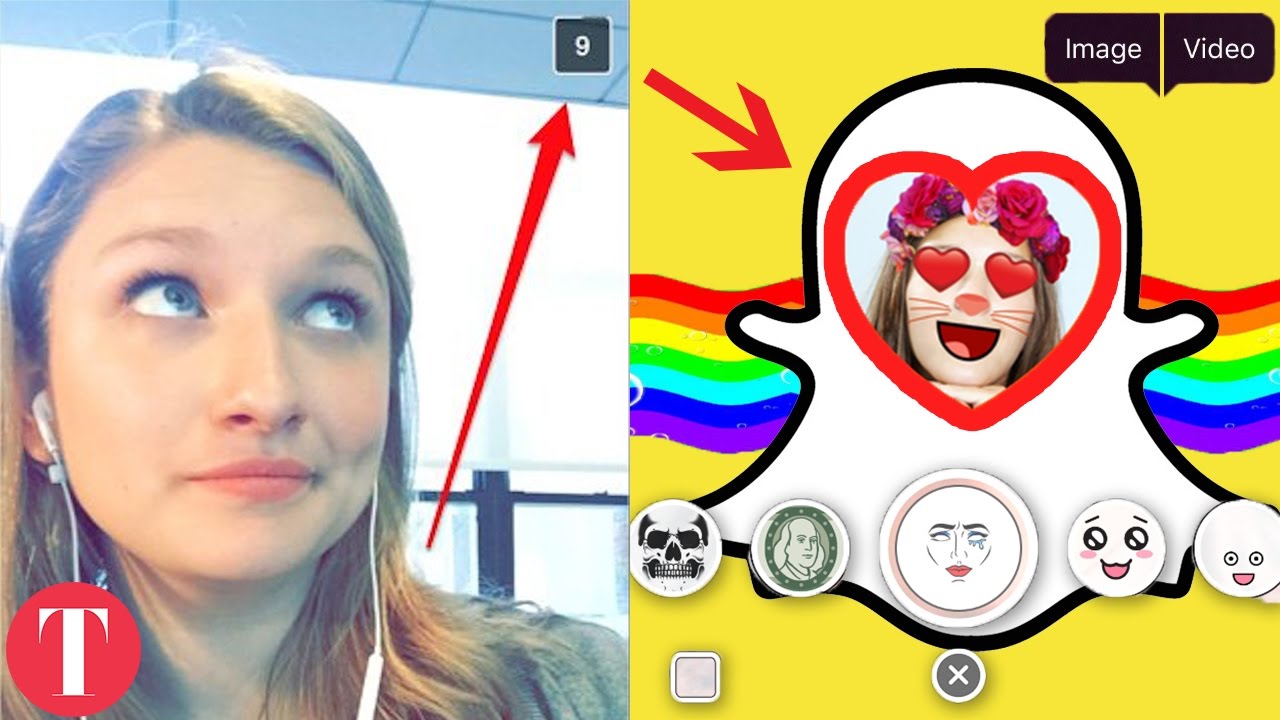

Snapchat’s minimalist interface was hiding way more tricks than most users ever found.
By late 2016, Snapchat had become one of the fastest-growing mobile platforms around, built on an interface so stripped-down that most people never got past swiping and tapping the ghost icon. But underneath that simplicity sat a stack of workarounds power users had been trading for months — ways to layer filters, dodge the screenshot alert, and even build a custom geofilter for a birthday party. TheThings Celebrity rounded up the ten most useful of them in a single video, and several are the kind of feature Snapchat never bothered to explain in the app itself.
- The scissor tool doubles as a sticker maker — cutting a drawing or object out of a snap automatically saves it as a reusable personal sticker.
- Locking a filter in place with one finger while swiping with another lets users stack a geofilter with a timestamp, speedometer, or color tint on the same snap.
- Snapchat’s self-serve geofilter portal lets anyone design and purchase a custom, location- and time-bound overlay for a private event like a wedding or party.
The Scissor Tool Does More Than Cut
Most Snapchat users treated the scissor tool as a one-time trick for pasting a cutout into a single snap. The hack the video highlights is what happens after: cutting out an object, a face, or a drawing with the scissors doesn’t just move it around the current snap — it automatically saves that shape as a personal sticker, ready to be dropped into future snaps without redrawing it from scratch.
The same finger-based logic unlocks filter layering. Applying one geofilter or color filter and then holding a finger down locks it in place, which frees up a second finger to swipe in a secondary overlay — a timestamp, a speedometer readout, or a color tint — stacking two effects that Snapchat’s interface never suggested could coexist on one image.
Beating the Screenshot Alert
Snapchat’s core promise was always that snaps disappear and screenshots get flagged. The workaround detailed in the video routes around that: load the snap, switch the phone into Airplane Mode, capture the screen, then force-close the app or clear its cache before restoring the connection. Because the notification depends on an active connection to register the screenshot, the alert never fires.
Airplane Mode, a screenshot, and a cleared cache — and Snapchat never knows the difference.
It’s the kind of loophole that made plenty of people nervous once it circulated widely, for the same reason screenshots of any private platform can turn into a headache — a lesson plenty of public figures have learned the hard way after their own social media posts got captured and outlived their intended shelf life.
Building a Custom Geofilter for a Private Event
Snapchat’s self-serve geofilter web portal let anyone — not just brands — design and buy a custom overlay tied to a specific location and a specific window of time. The video frames it as a practical tool for personal events: a couple planning a wedding, a birthday party, or a private gathering could upload their own graphic, set the radius and the hours it would be live, and pay to have it appear for anyone snapping from that address during that window.
Hidden Colors and Longer Captions
The drawing tool’s color slider looked like it topped out at whatever shades were visible on the bar, but dragging a finger off that bar toward the edges and corners of the screen unlocked additional shades — true black, white, and pastel tones that never appeared on the default palette.
Captions had a similar hidden ceiling. Snapchat’s caption field enforced a strict single-line limit, so the hack was to draft a longer, multi-line message in an outside app like Notes, copy it, and paste the blank lines directly into the caption box — sidestepping the character cap the app itself never lifted.
Recording Video Without Holding the Button
The last hack leaned on the phone’s own accessibility settings rather than anything inside Snapchat. Using iOS AssistiveTouch, users could simulate a continuous hold on the record button, letting the camera capture hands-free video without a finger physically pinned to the screen the entire time.
Taken together, the ten hacks reflect exactly where Snapchat sat at the end of 2016 — a platform obsessed with disappearing content and geofenced graphics, run through an interface that hid nearly every one of its best features behind a swipe or a long-press nobody thought to try.









The Untold Truth Of Todrick Hall
The Untold Truth Of Lin-Manuel Miranda
Strange Things About Lebron James’ Marriage
10 Ways You Can Be A Total GIRLBOSS
Netflix’s YOU Season 3 Explained | Season 4 Teases | Victoria Pedretti, Penn Badgley